
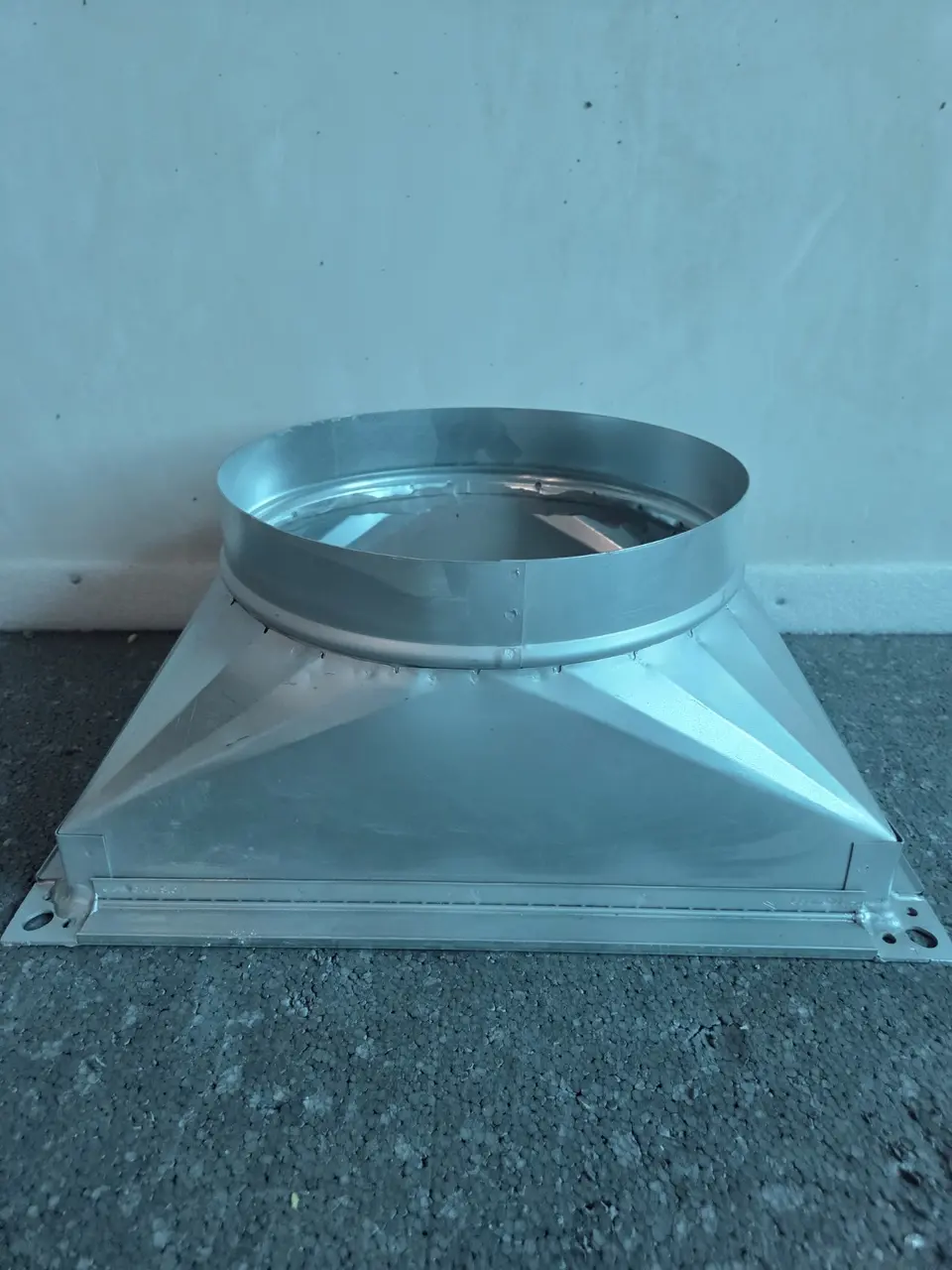
Fast round-to-rectangular and rectangular-to-rectangular sizing
This converter is for the moment on site when the issued duct will not pass a beam, clashes with containment or needs to leave a louvre box in a more practical shape. Enter the original rectangular size or round diameter, then change either proposed width or height. The other dimension updates immediately.
VentTools uses equal free area as the default site comparison and rounds the paired dimension upward in 25 mm steps. It does not force a square result and it does not silently accept a smaller duct area.
Example: 355 mm spiral beneath a beam
A 355 mm round duct has approximately 0.099 m² of free area. Set the new height to 200 mm and VentTools returns 500 × 200 mm. That alternative is about 1.03% larger in area than the issued spiral.
Example: reshaping a 1200 × 330 louvre box
Enter 1200 × 330 mm, then try a new width of 650 mm. The safe 25 mm result is 650 × 625 mm. You can continue nudging either dimension until the transition and route are practical.
Equal area is not the whole system design
Equal area is useful for a quick physical comparison, but different aspect ratios can change pressure loss, noise, air distribution and reinforcement. The advanced panel therefore shows the recognised rectangular friction-equivalent diameter as a comparison. A change to issued ductwork still needs approval from the responsible designer or project team.
Practical checks before changing shape
- Allow room for the transition length, seams, flanges, insulation and access.
- Check whether the new aspect ratio creates reinforcement or support problems.
- Do not reduce the stated free area to make a clash disappear.
- Check connected equipment, attenuators, dampers and grilles rather than treating one straight section in isolation.
- Keep a copied calculation with the request for approval.